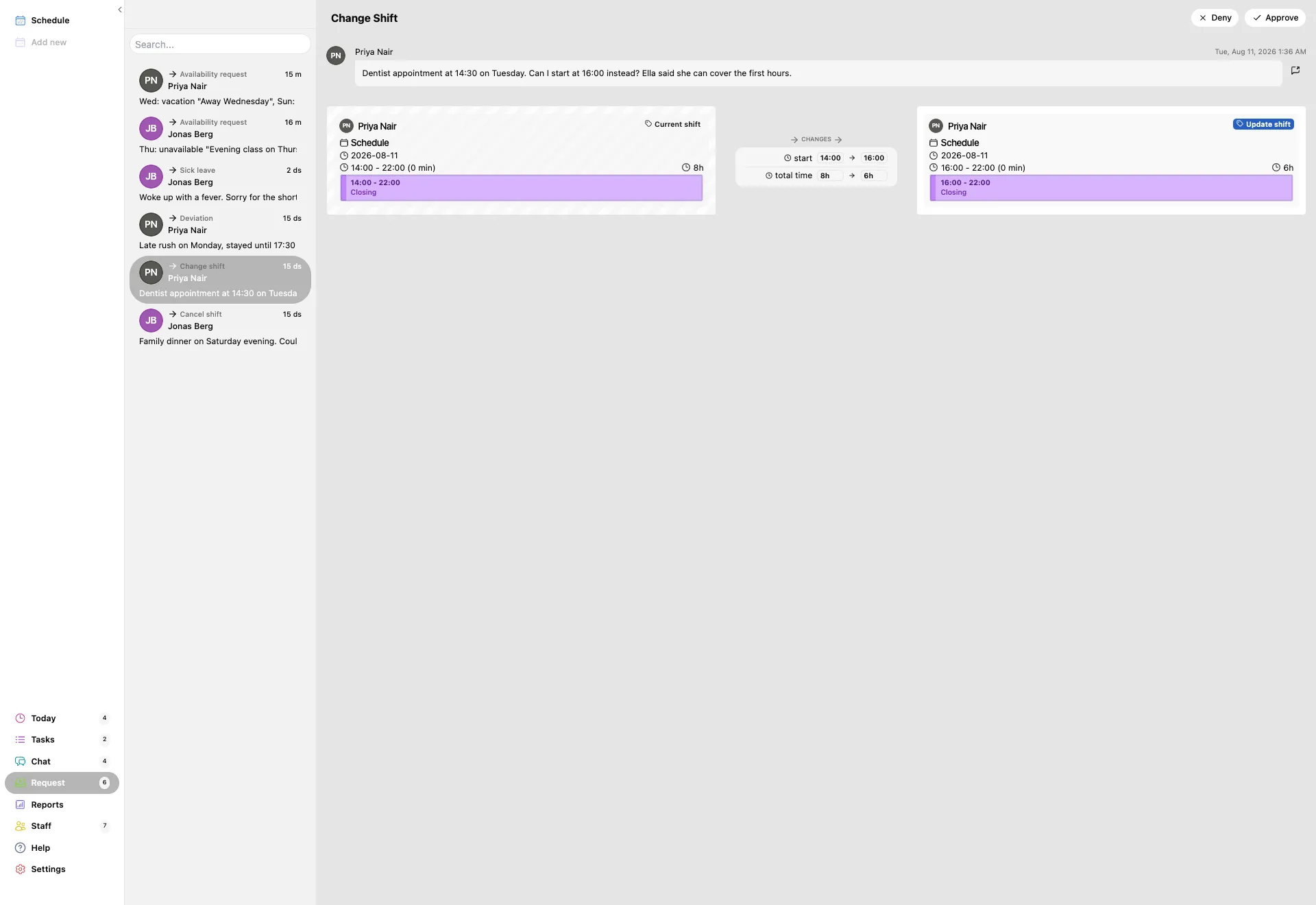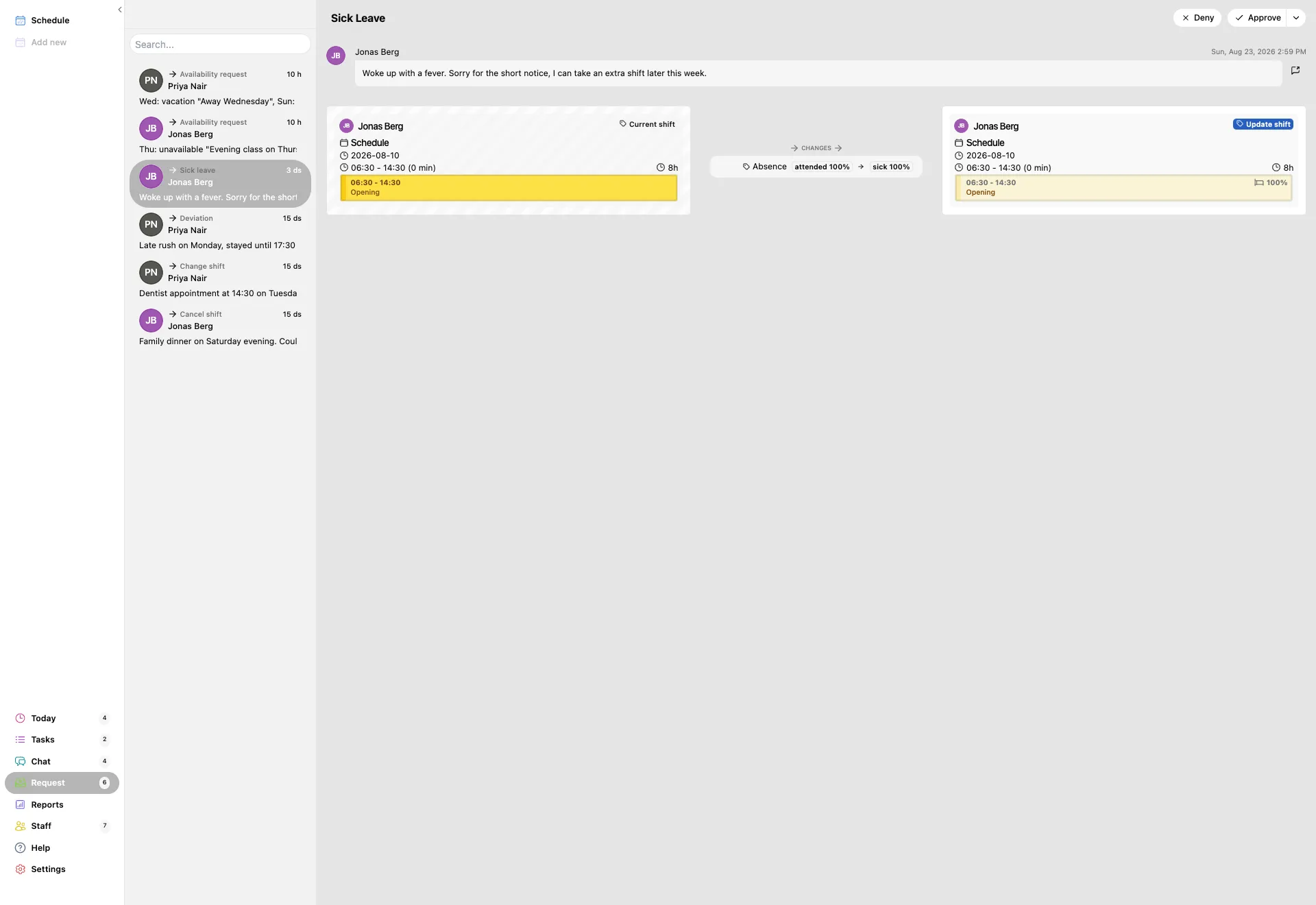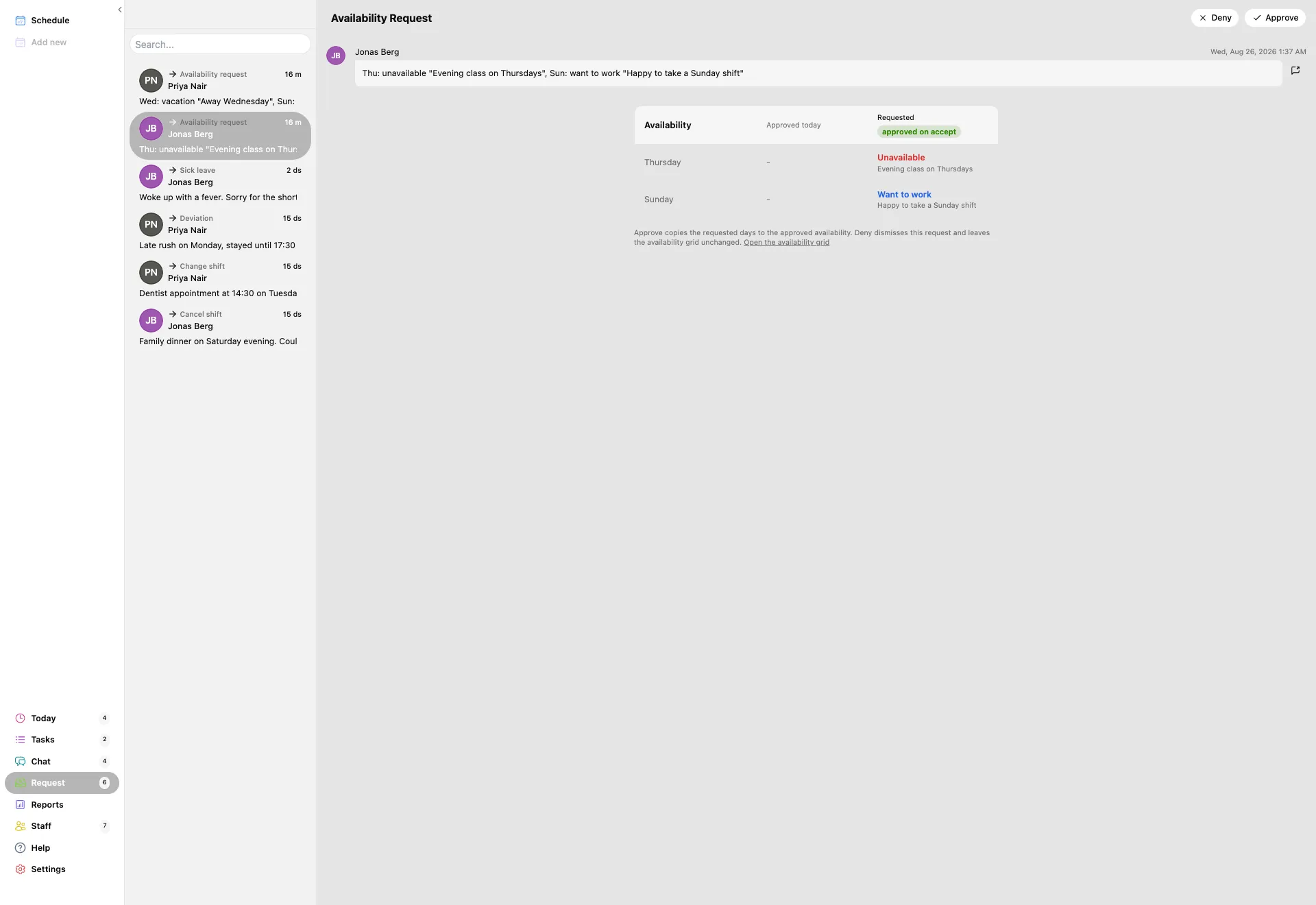
Press Request in the left menu. The number on it is how many are waiting for you. The list opens on the left and the first request opens next to it, so you are already reading one.
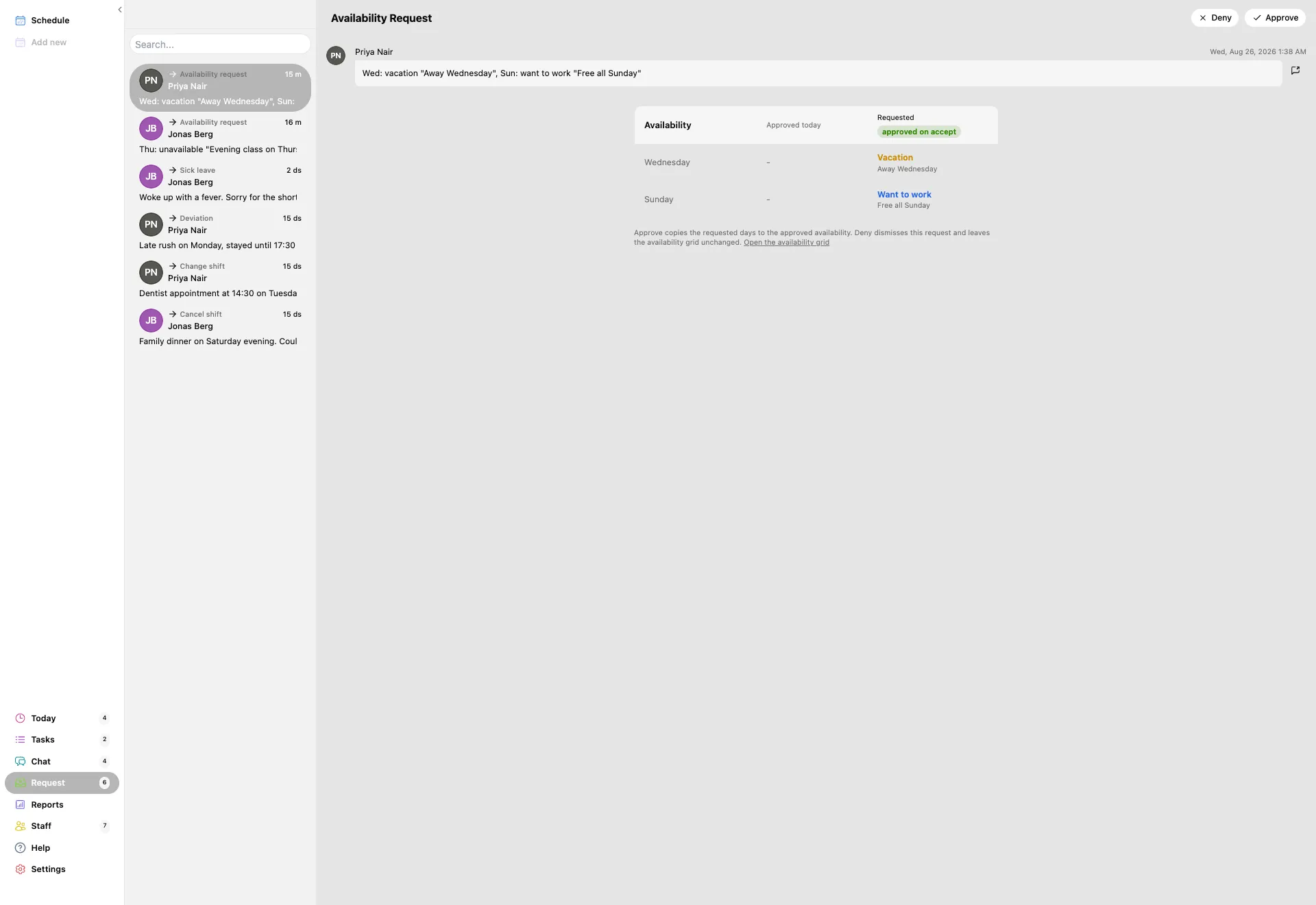
- Every row shows who sent it, what kind of request it is, and how long ago it arrived.
- The kinds you will see are sick leave, time deviation, cancel shift, change shift, offers and swaps, and availability.
- Use the search box above the list when a name or a date is easier than scrolling.
The badge counts everything still open. When it reaches zero, nobody is waiting on you.