The work chat that lives with the schedule.
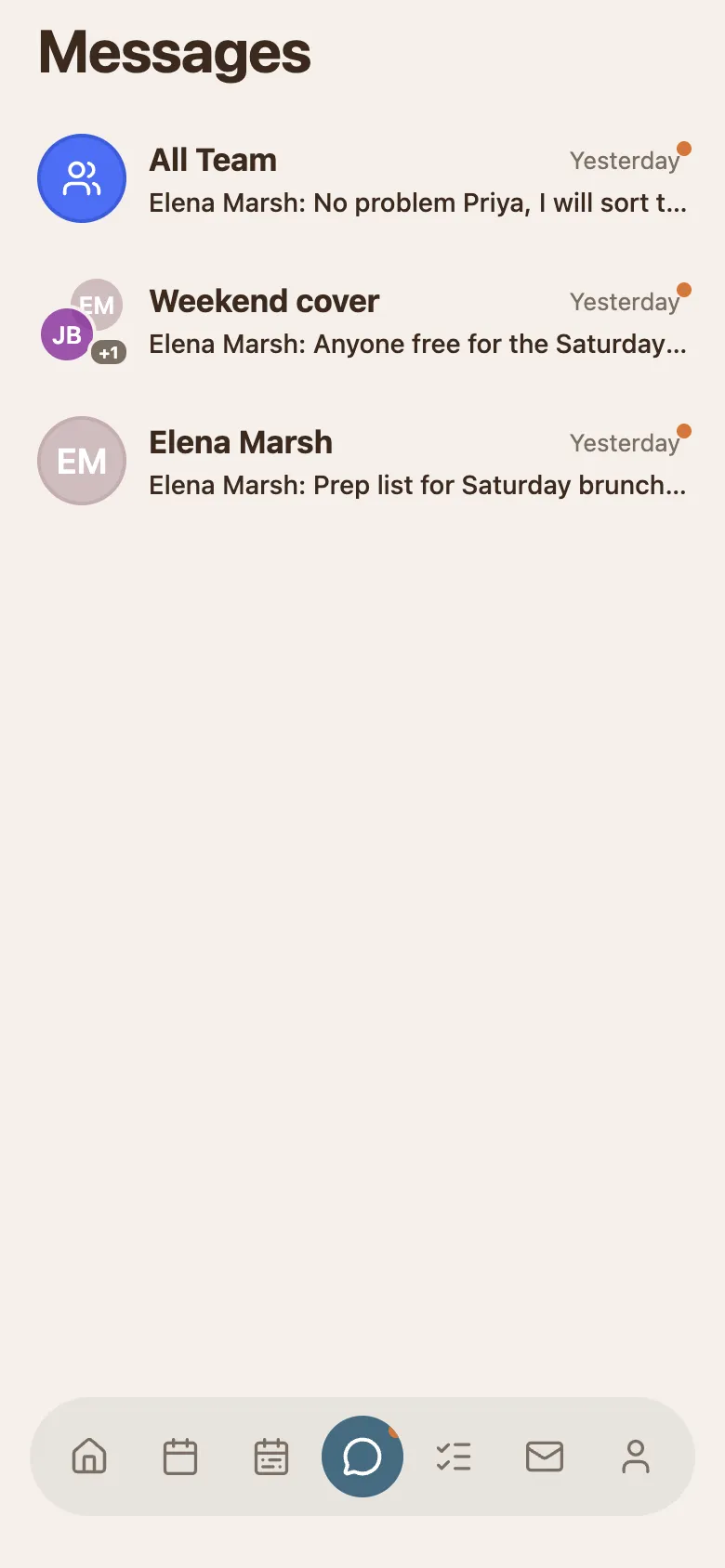
Team channel, direct messages, and shared task lists, in the same app as the shifts they are about.
Free for 30 days. No account needed.
4.4 · 121 ratings on the US App Store
Tell everyone once.
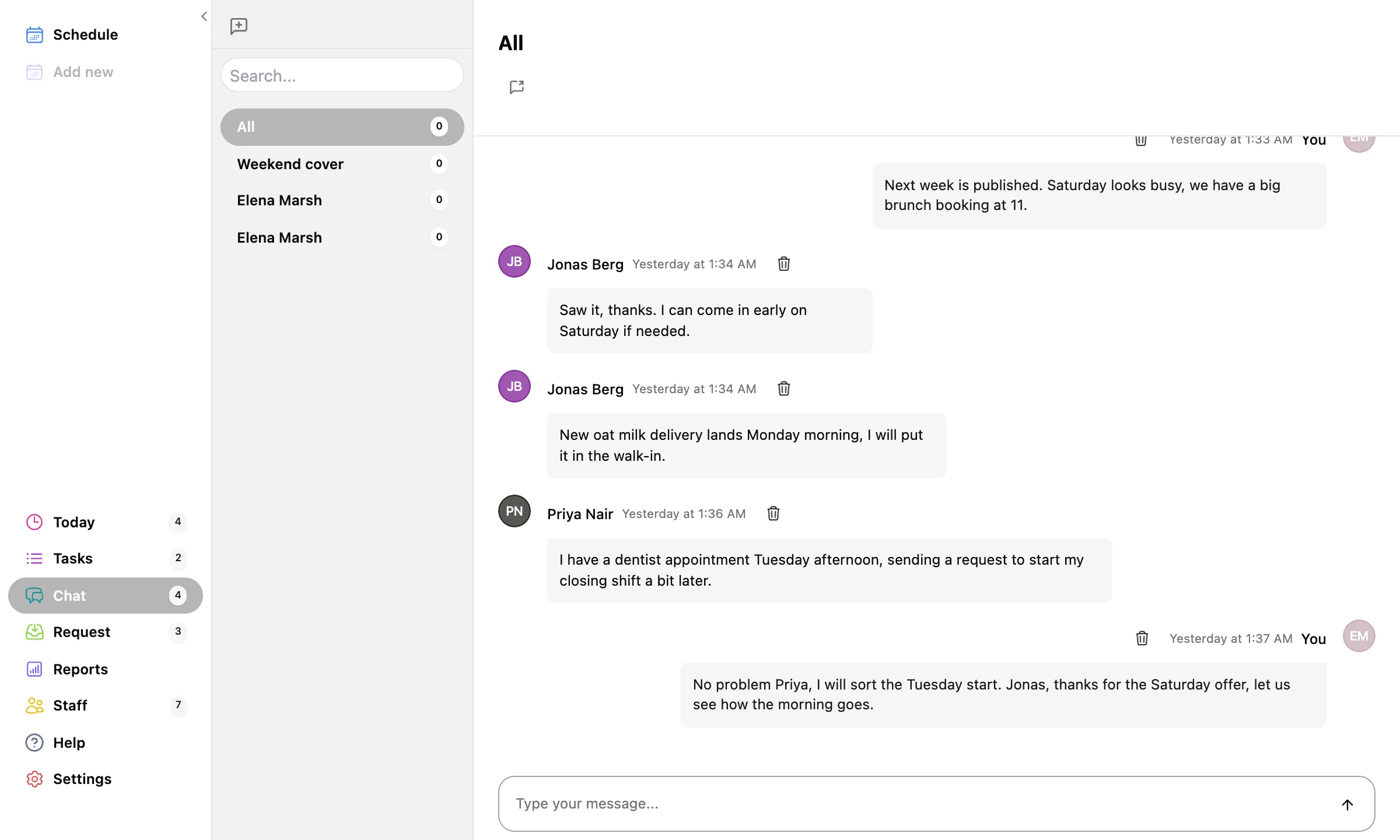
An All channel the whole project is already in.
"Next week is published." "Big booking Saturday at 11." Announcements land where the schedule is, and every message syncs across web, Mac, and phones, with unread badges on the app icon.
And the smaller conversations too.
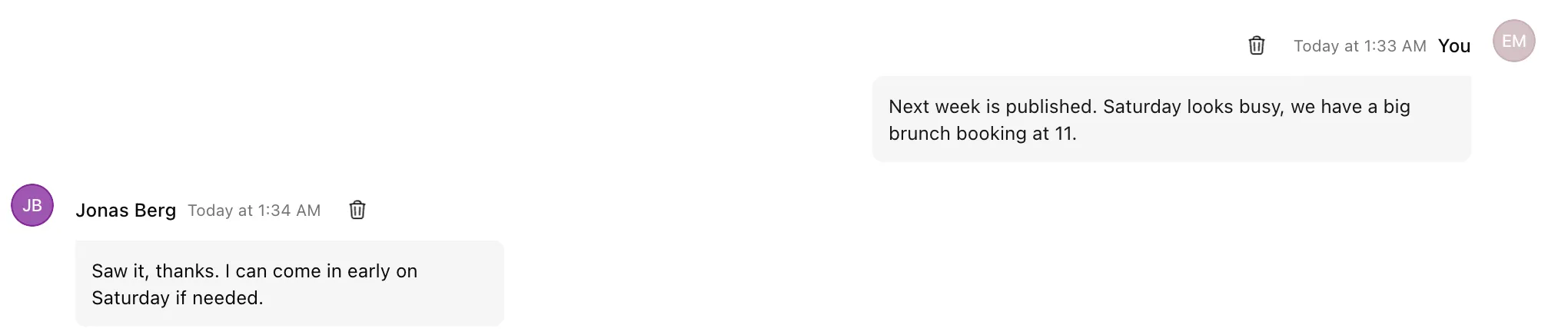
Message one person or a hand-picked group.
- Direct messages
- A private line to the new hire, without trading phone numbers.
- Group chats
- A chat for the Saturday crew that only the Saturday crew sees.
- Request chats
- A shift request that needs discussion opens its own chat, and cleans itself up once the request is decided.
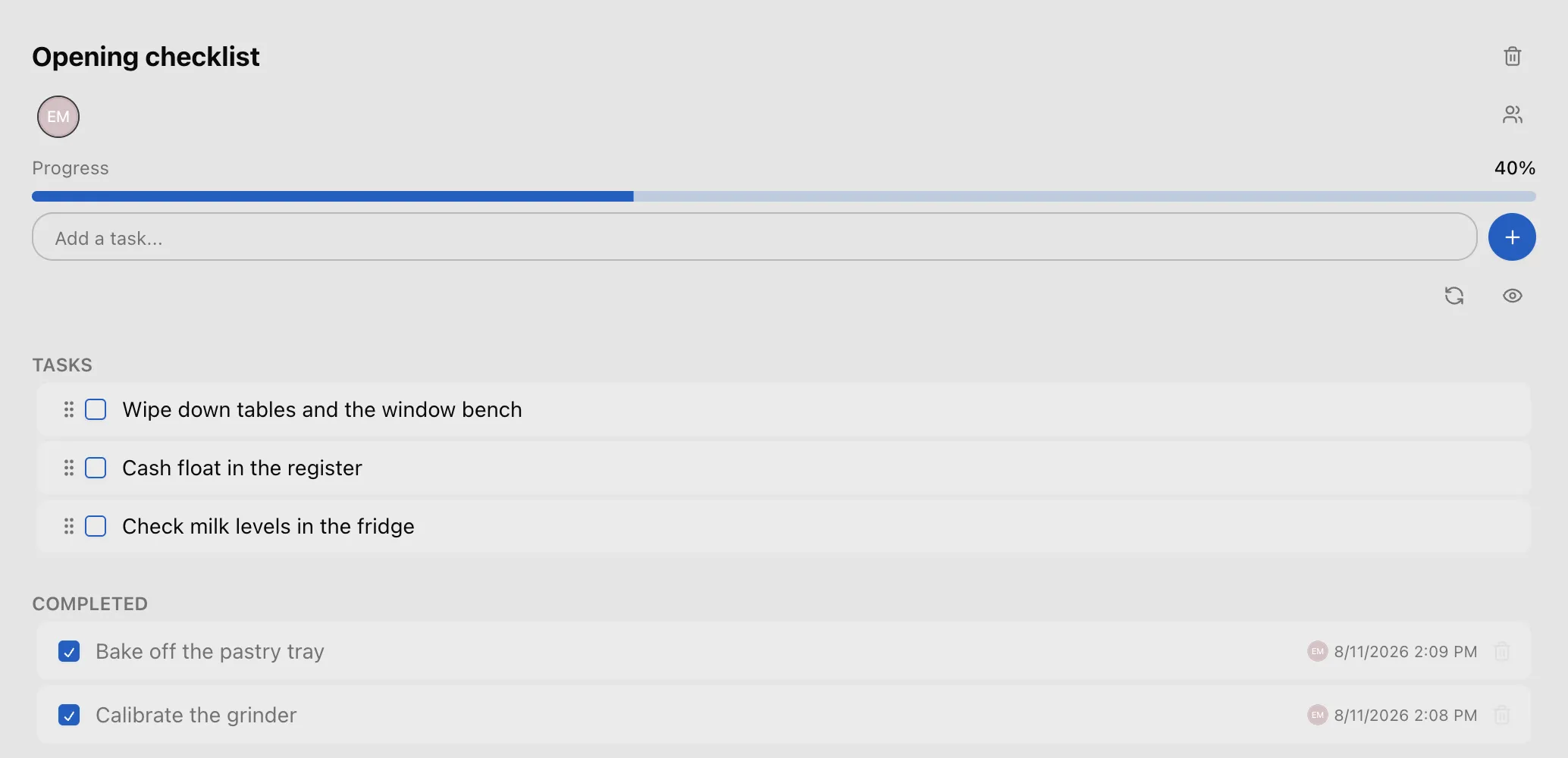
Small checklists, done by end of shift.
Shared task lists with subtasks and a done-counter.
"Close the terrace: stack chairs, bring in cushions, lock the gate." Staff tick items off on their phones; you watch the counter fill from anywhere.