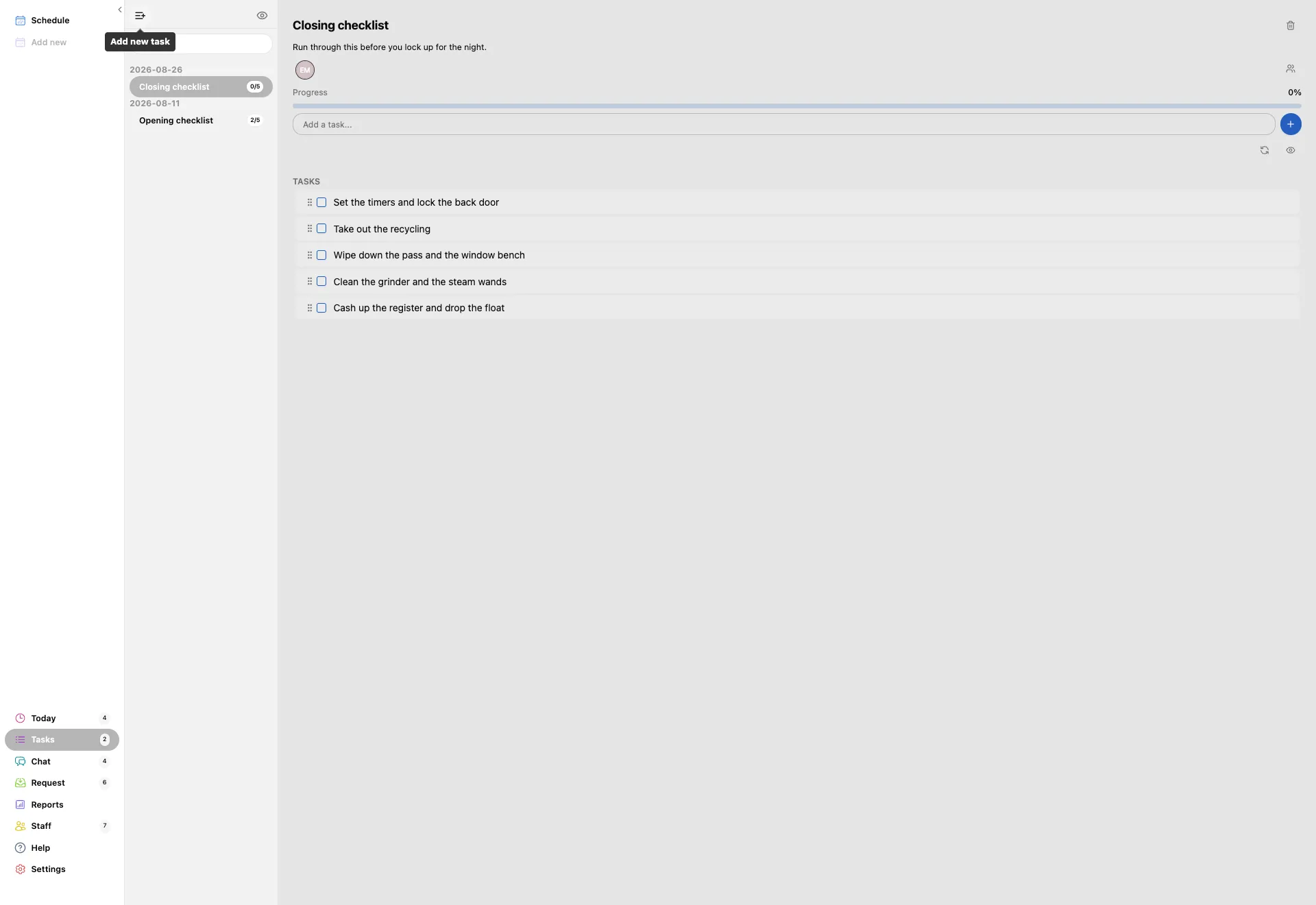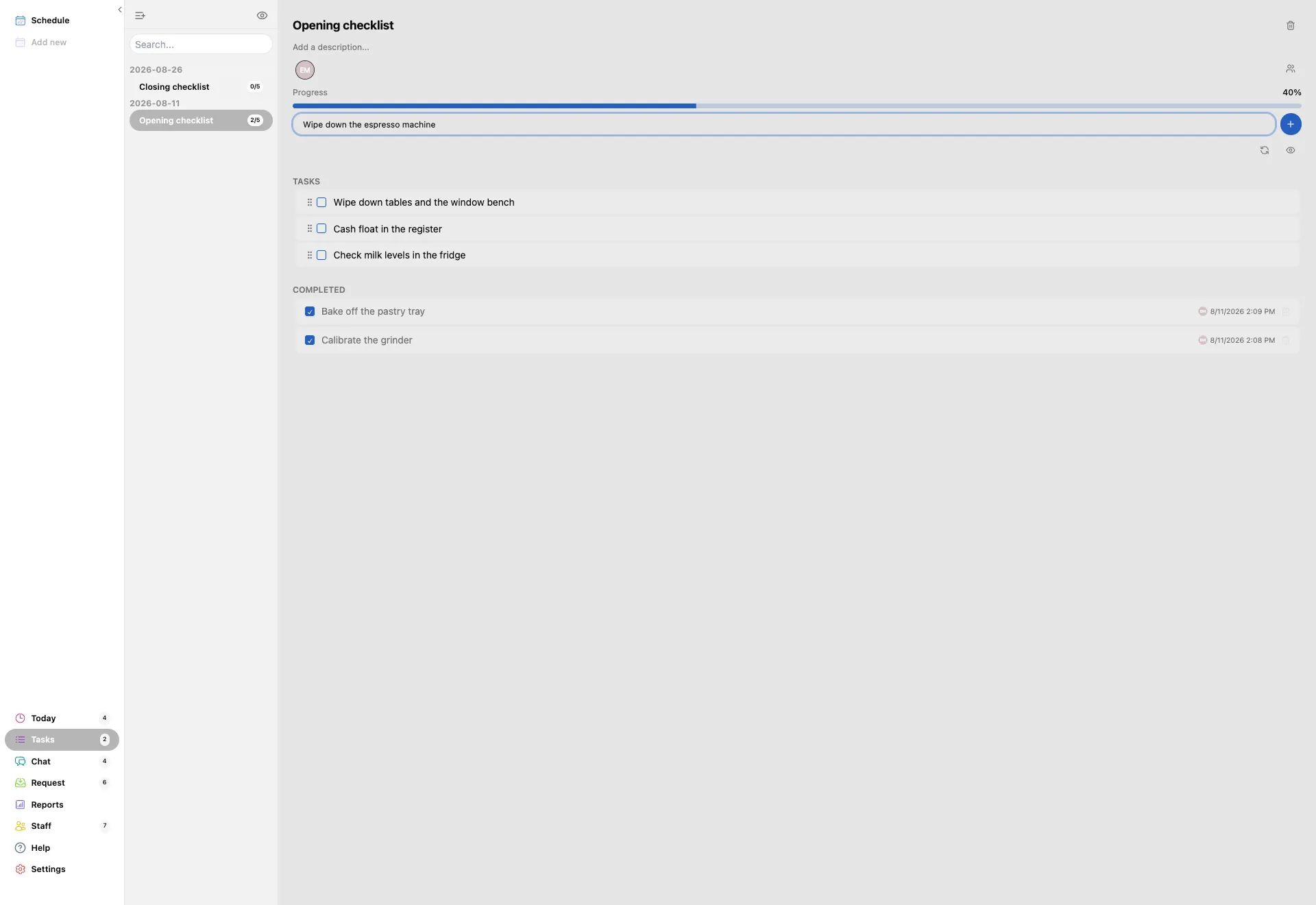
Press Tasks in the left menu. Your lists are down the left, grouped by the day they were last edited, each with a count of how many of its steps are done.
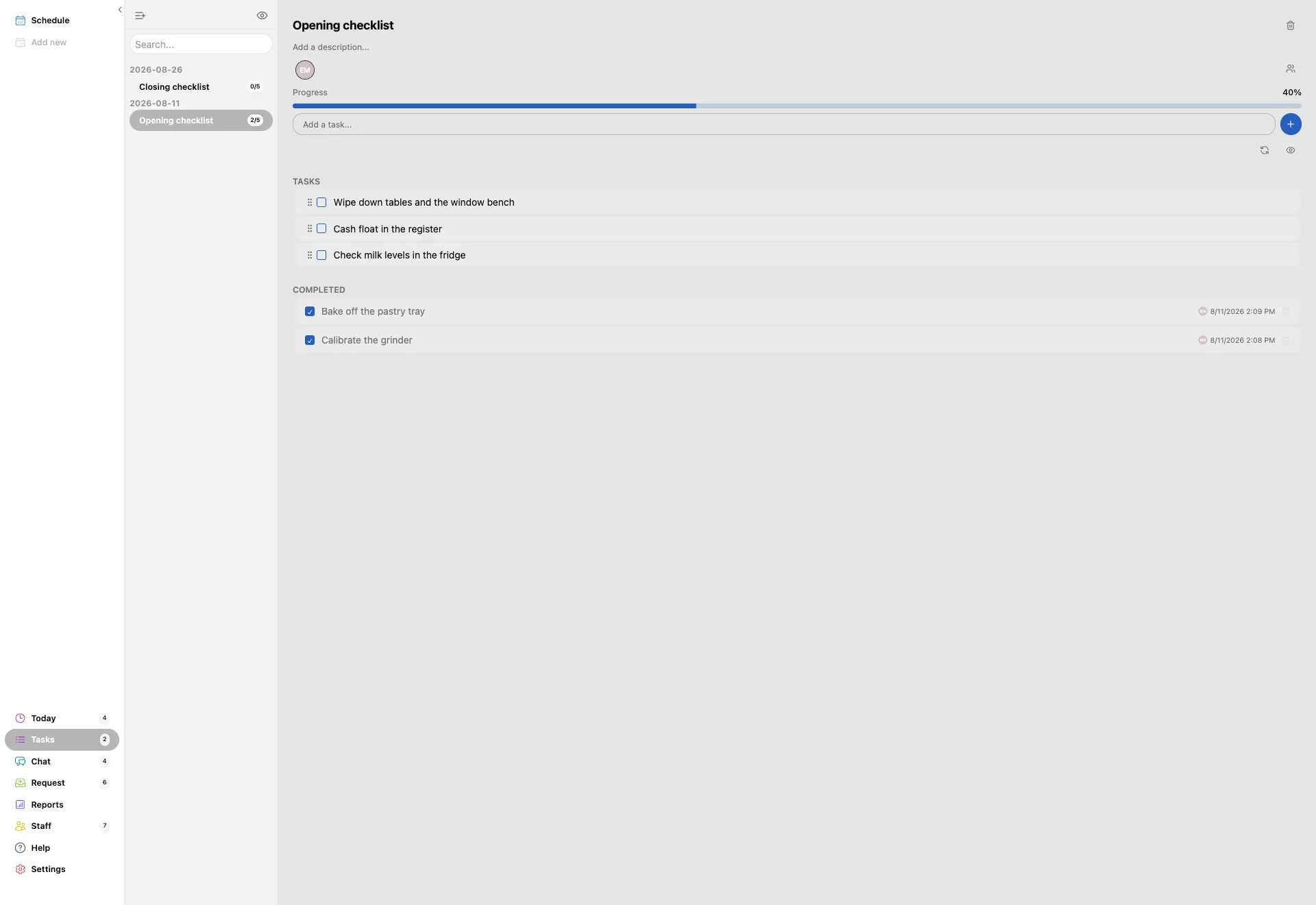
- Click a list to open it. The one you are reading is highlighted in the column.
- 2/5 next to a list is how many of its steps are ticked.
- The search box above the column finds a list by name once you have a few.