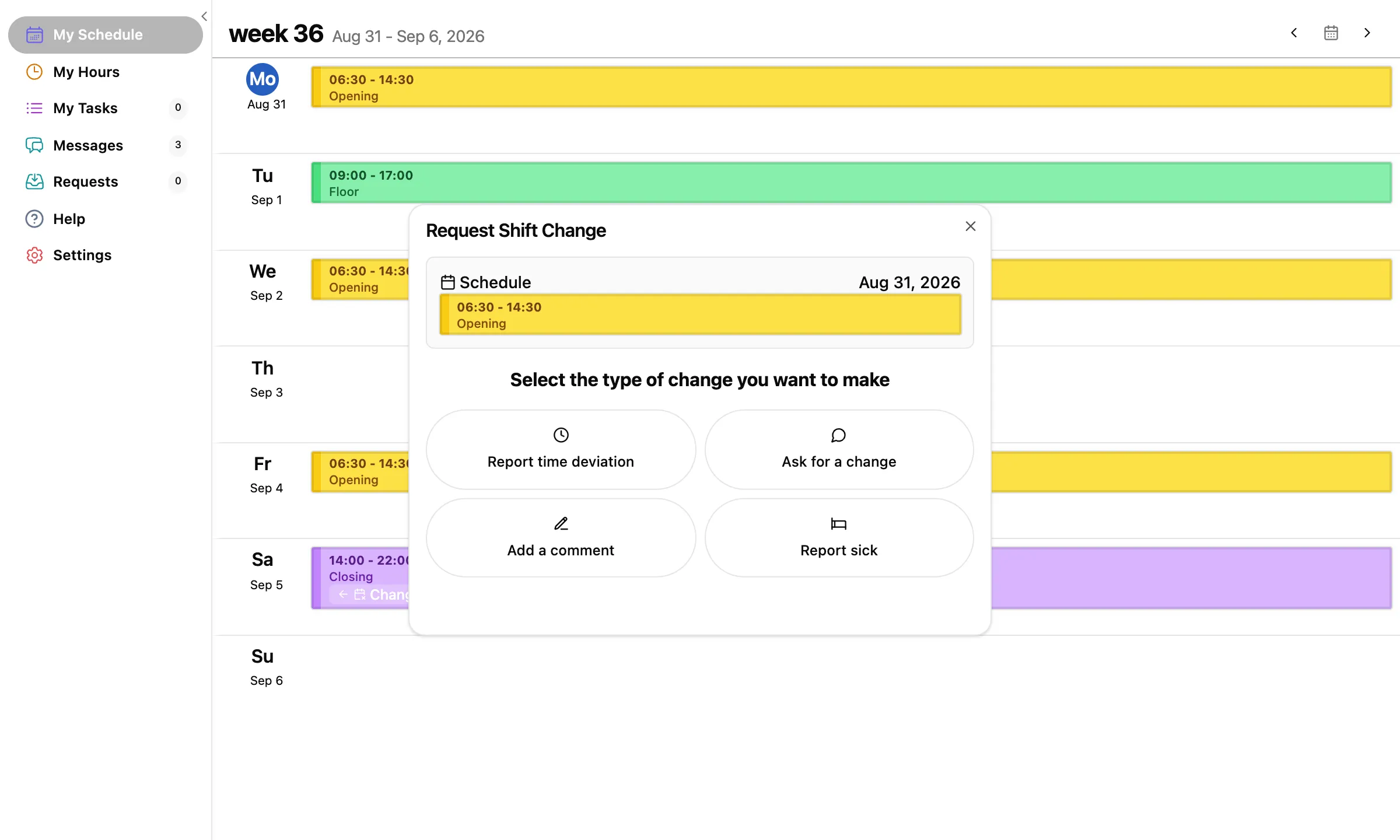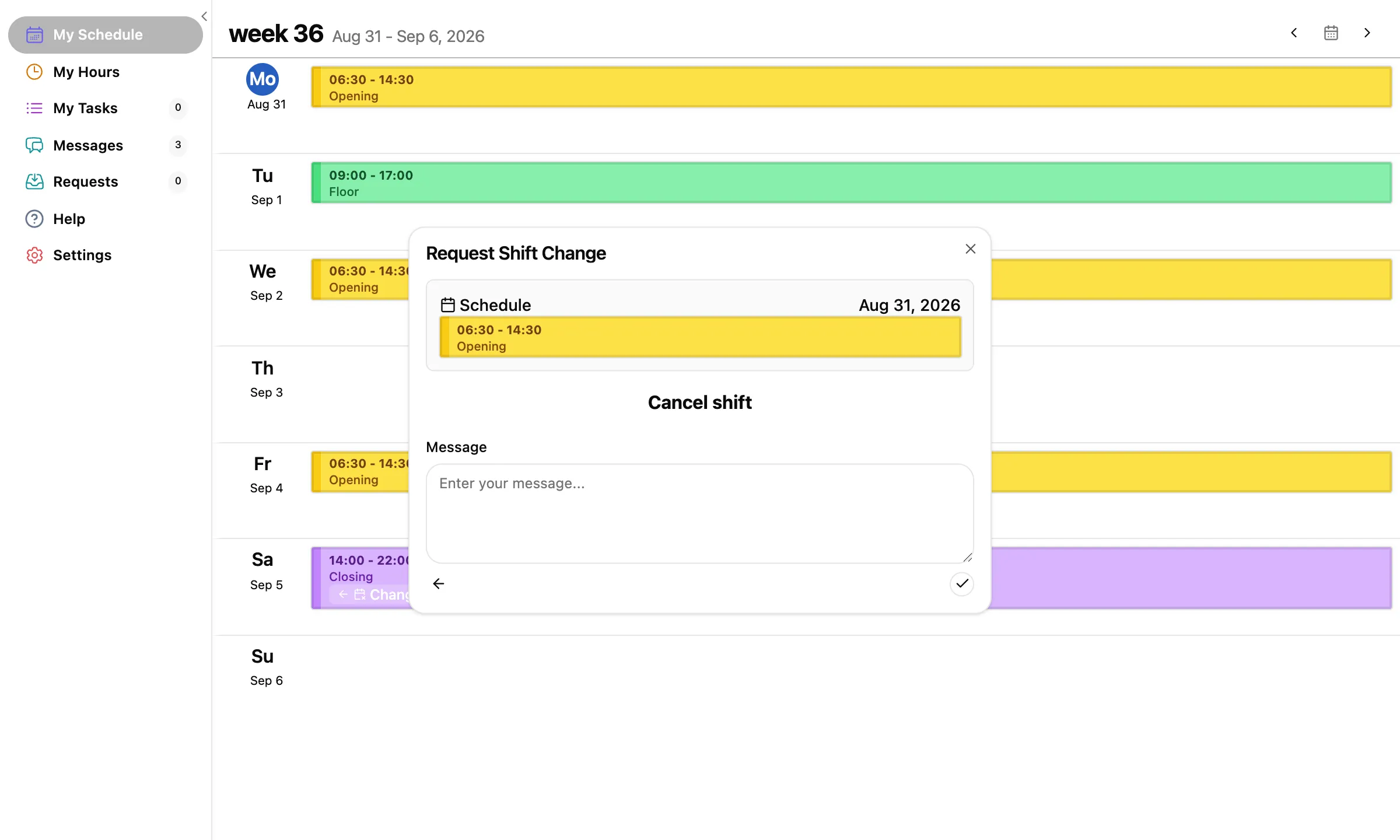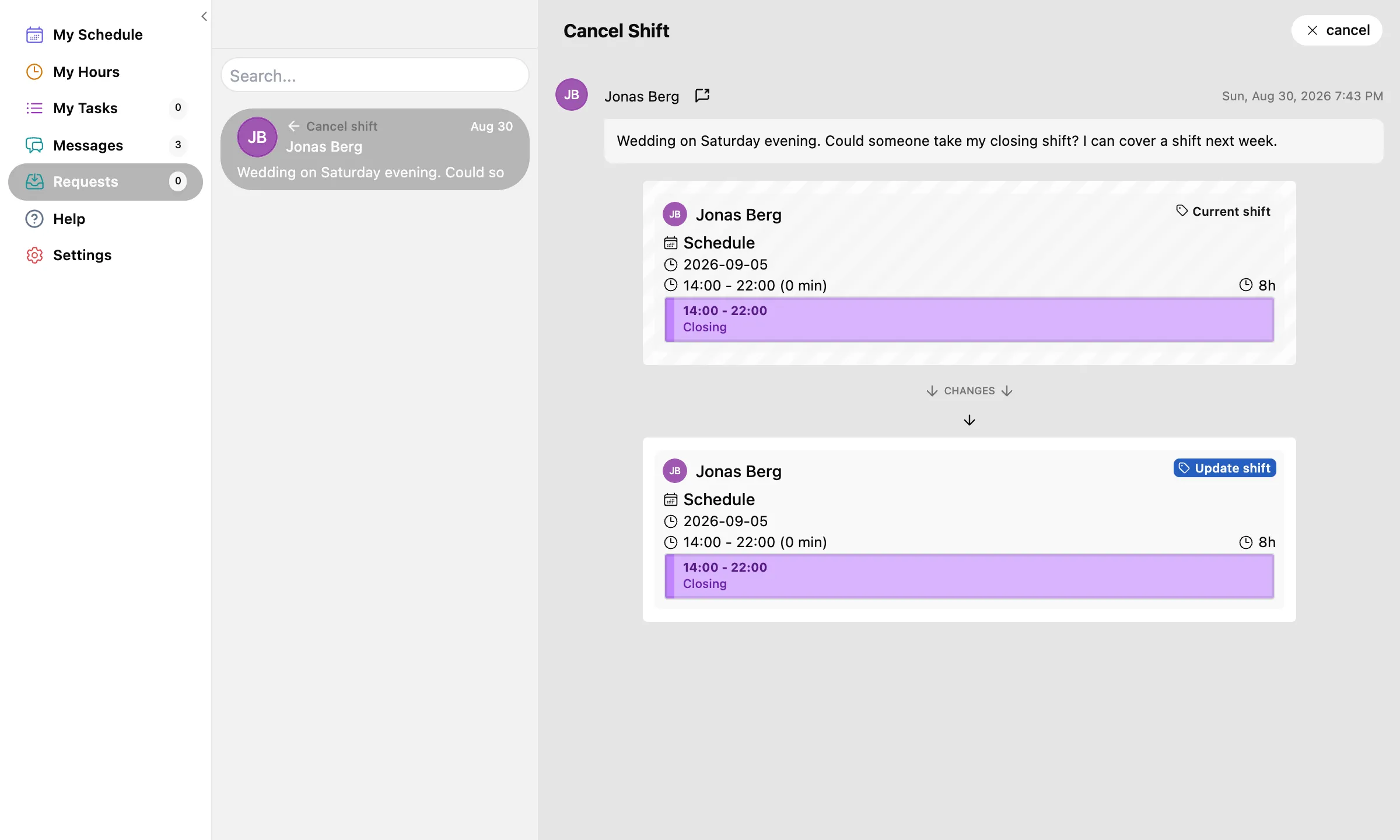
Sign in and you are on My Schedule: your own week, one row per day, your shifts as coloured blocks. Every ask in this guide starts by picking one of these shifts.
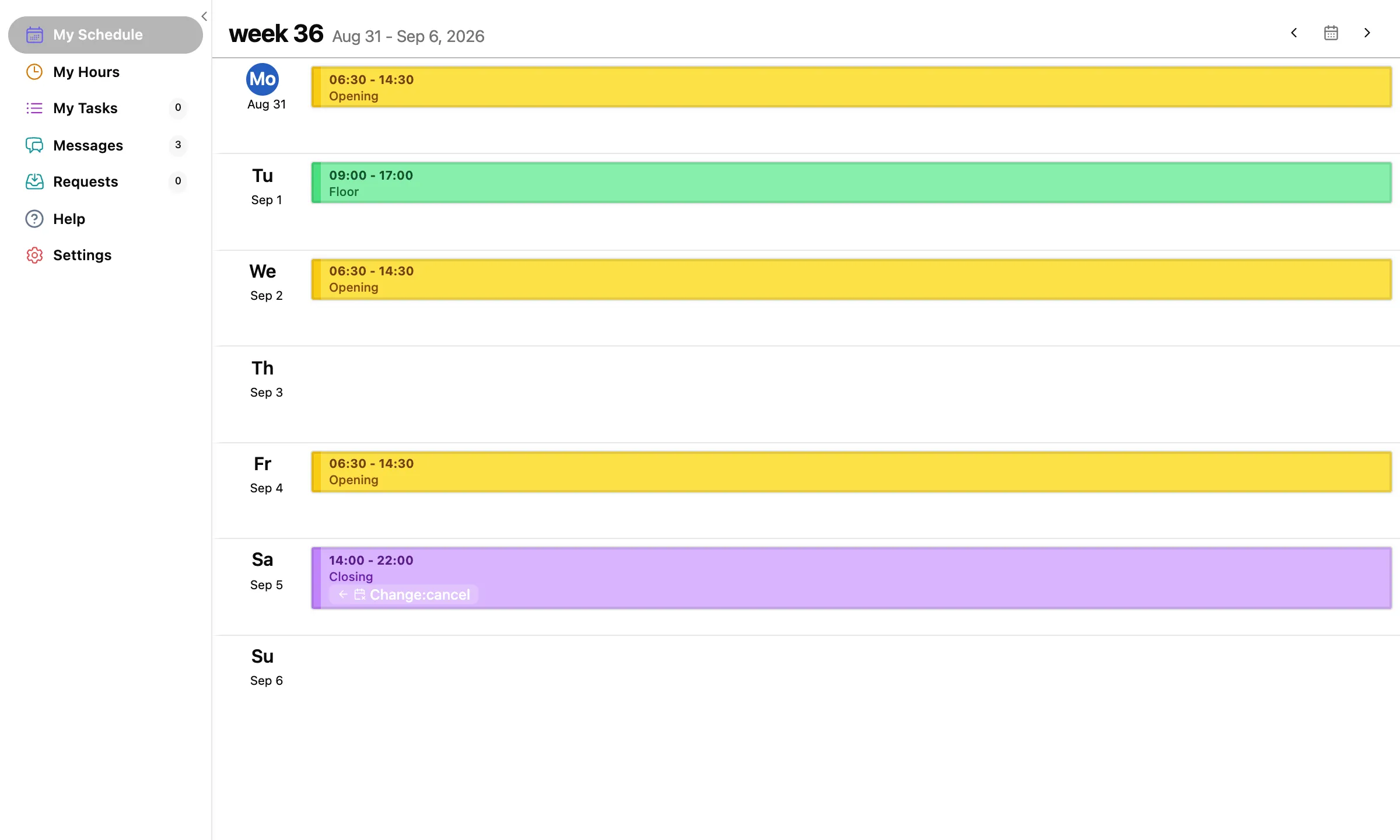
- Move between weeks with ‹ and › in the top right. The calendar button between them returns to the current week.
- Each block shows the shift's hours and its label, so you know you have the right day before you click.
A day with no shift on it needs no request. To keep days free before the schedule is written, set your availability instead.