iPhone
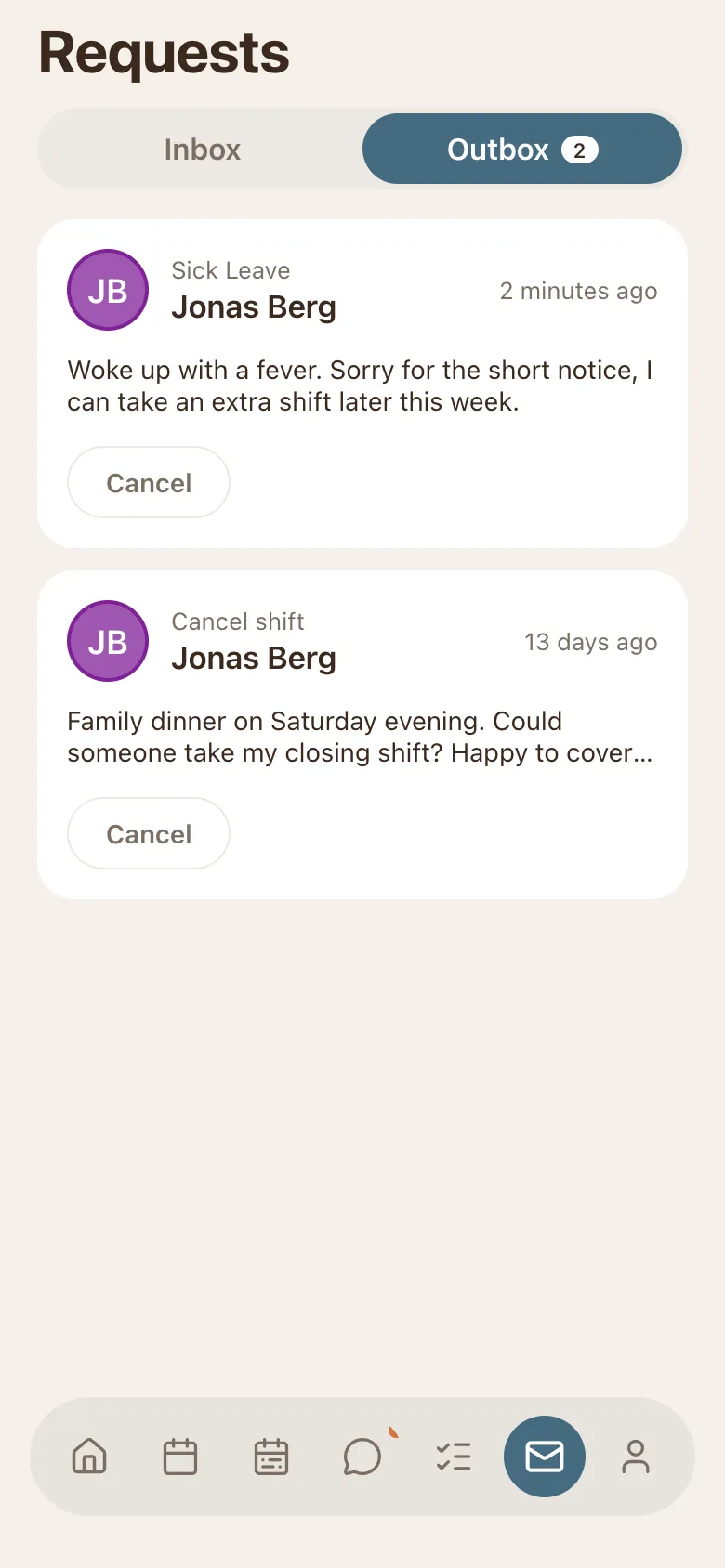
The app your staff will actually use: their shifts, chat, requests, and availability. Push notifications when the week is published.

TimeTo.Work runs in the browser and as real apps for iPhone, Android, and Mac. Everything syncs, instantly. Pick yours below.
4.4 · 121 ratings on the US App Store
The app your staff will actually use: their shifts, chat, requests, and availability. Push notifications when the week is published.
The same staff app, on Google Play. Shifts, chat, requests, and availability, with push notifications when the week is published.

The desktop app from the Mac App Store, for the manager who lives in it all day.

Works in any modern browser, nothing to install. Managers usually build the schedule here. Installable as an app from the browser if you want it in the dock.
Still on the old version? Open version 1 →

Admins can edit shifts, handle requests, and manage staff from the mobile app.
Run the Saturday change from the beach. The full schedule, publishing per shift, requests, and staff management all work on your phone; the deep desk work (payroll exports, reports) stays on the web where it belongs.
Personal calendar feeds and a shareable read-only link.
Free for 30 days. No email, no credit card.