The month's hours, ready for payroll.
Hours and cost per person, any date range, exported in a click.
Free for 30 days. No account needed.
4.4 · 121 ratings on the US App Store
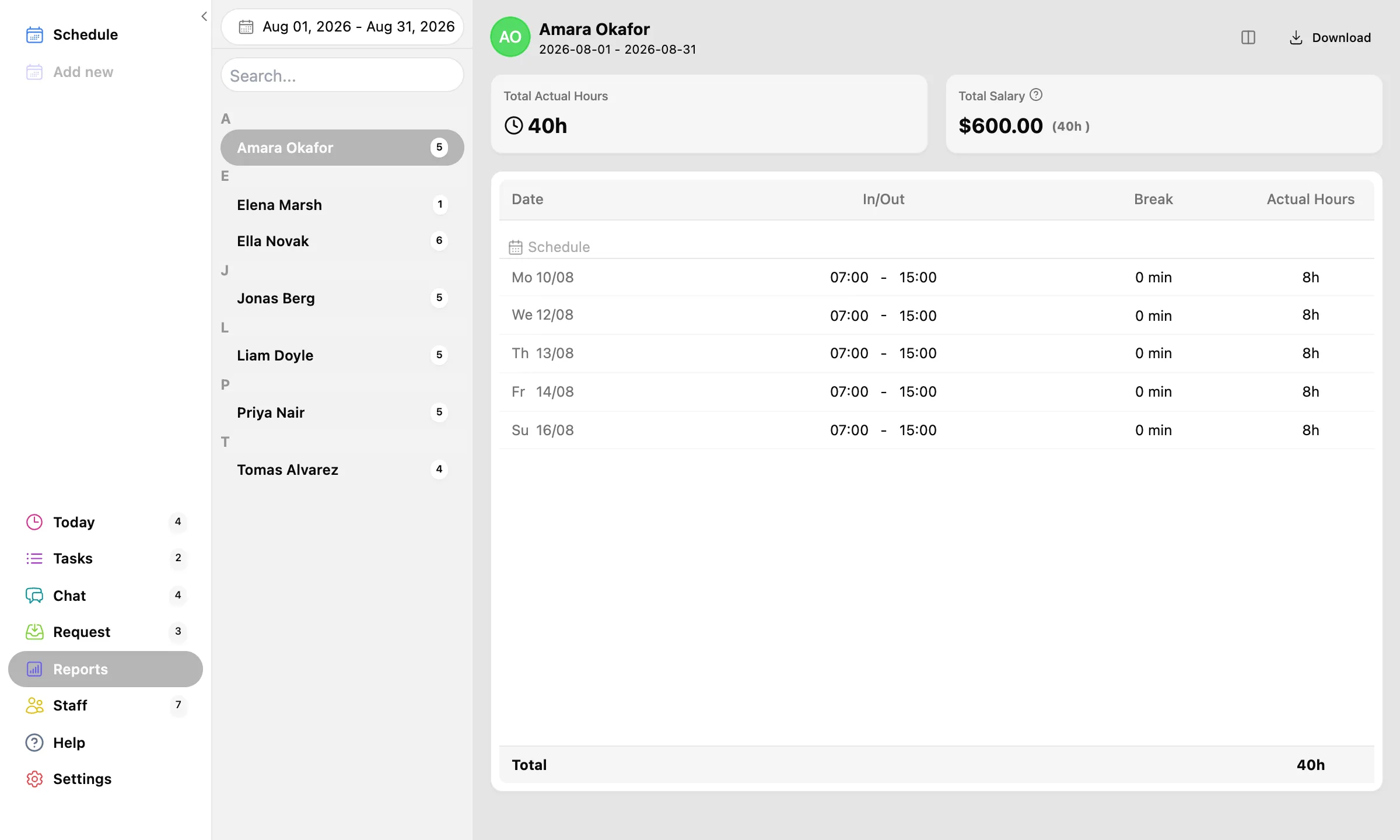
Who worked what, without the calculator.
Pick a date range, get the totals.
Every person's shifts, hours, and breaks for the period, with salary totals computed from their hourly wage in your currency. Click a name for the shift-by-shift detail. Choose exactly which columns you need.

Excel for the accountant, paper for the binder.
Export to .xlsx, or print and save as PDF.
One click downloads a formatted Excel file. The print view is clean enough for the audit binder. Your data is never stuck in the app.
Hours split the way payroll wants them.
Regular, overtime, double time, vacation, and sick, per person, as CSV.
Export one person or the whole team. If you pay US overtime, apply FLSA weekly rules or California daily rules and the split is done for you. Hand the file to whoever runs your payroll.
- Regular
- Overtime
- Double time
- Vacation
- Sick
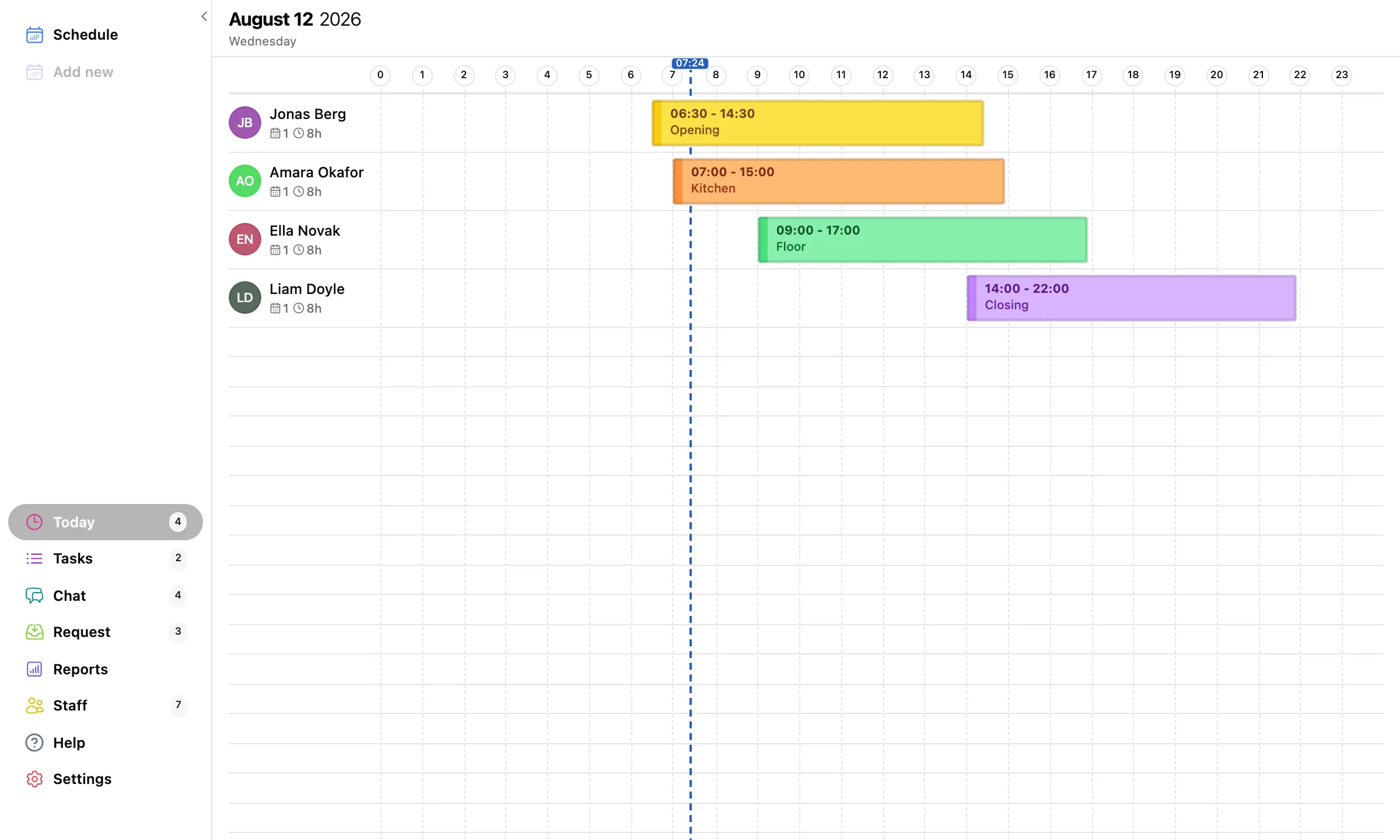
Who is in today?
A live view of today's shifts, for the manager who just walked in.
The Today page lists everyone working right now and next, with times and notes. The question every morning starts with, answered before the coffee is poured.