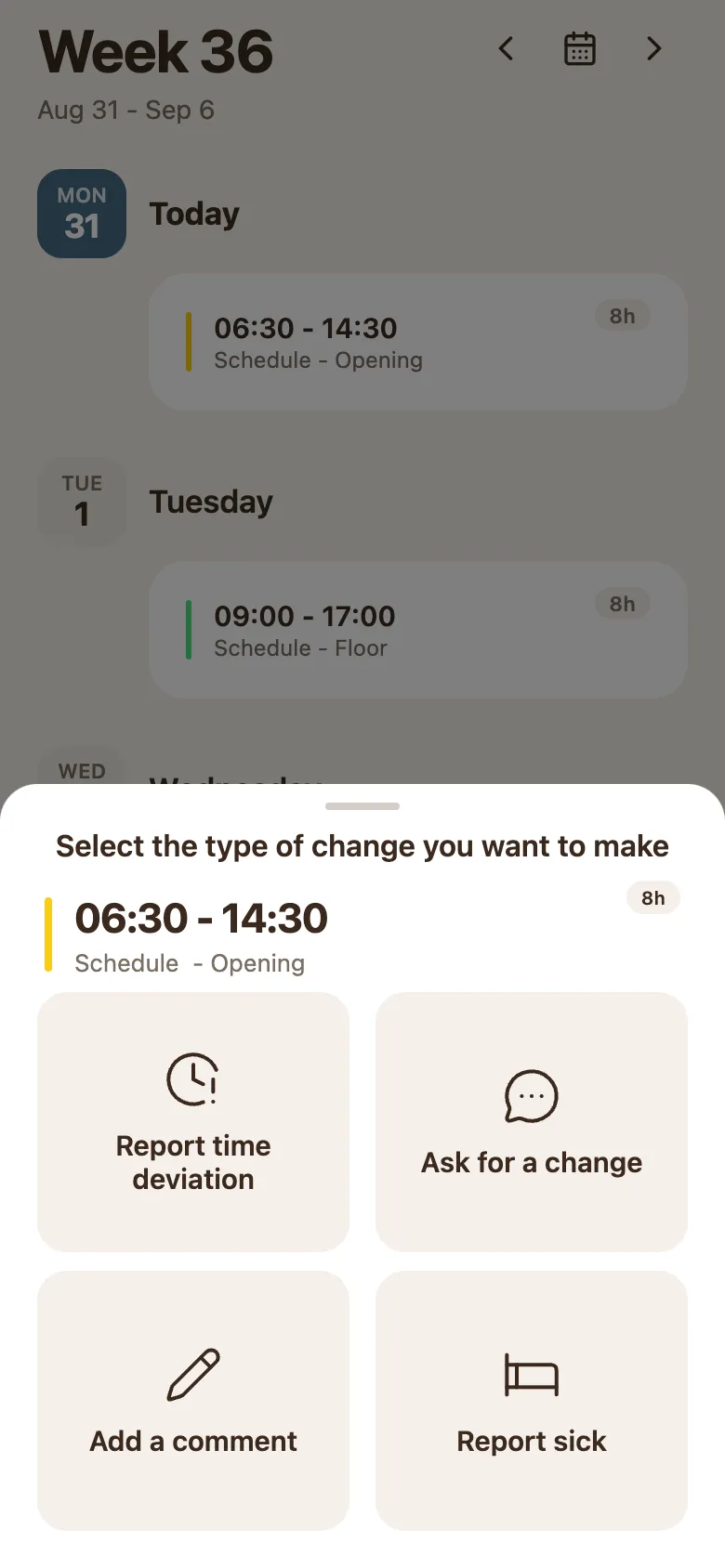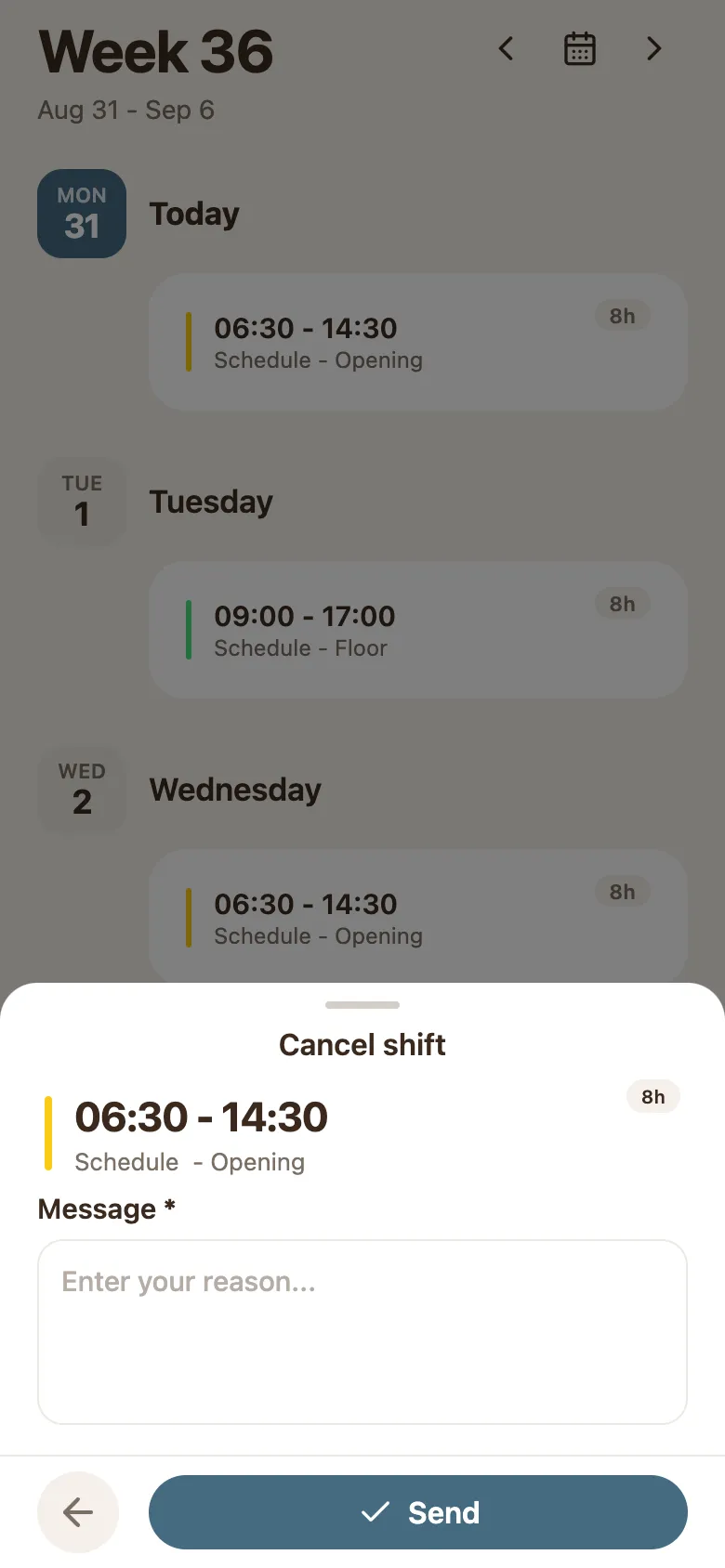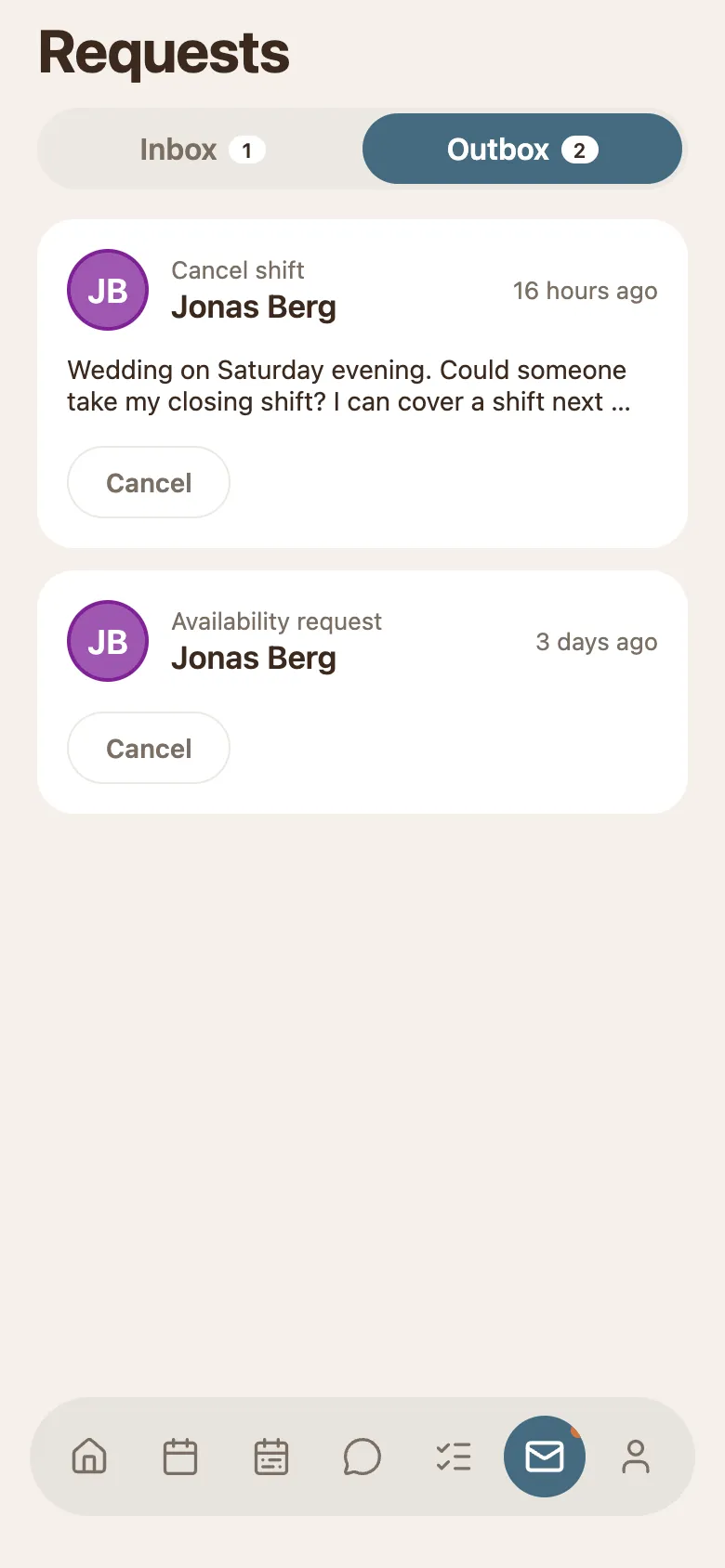
Tap the calendar tab at the bottom. Your week opens with one card per shift: the day on the left, the hours and label on the card.
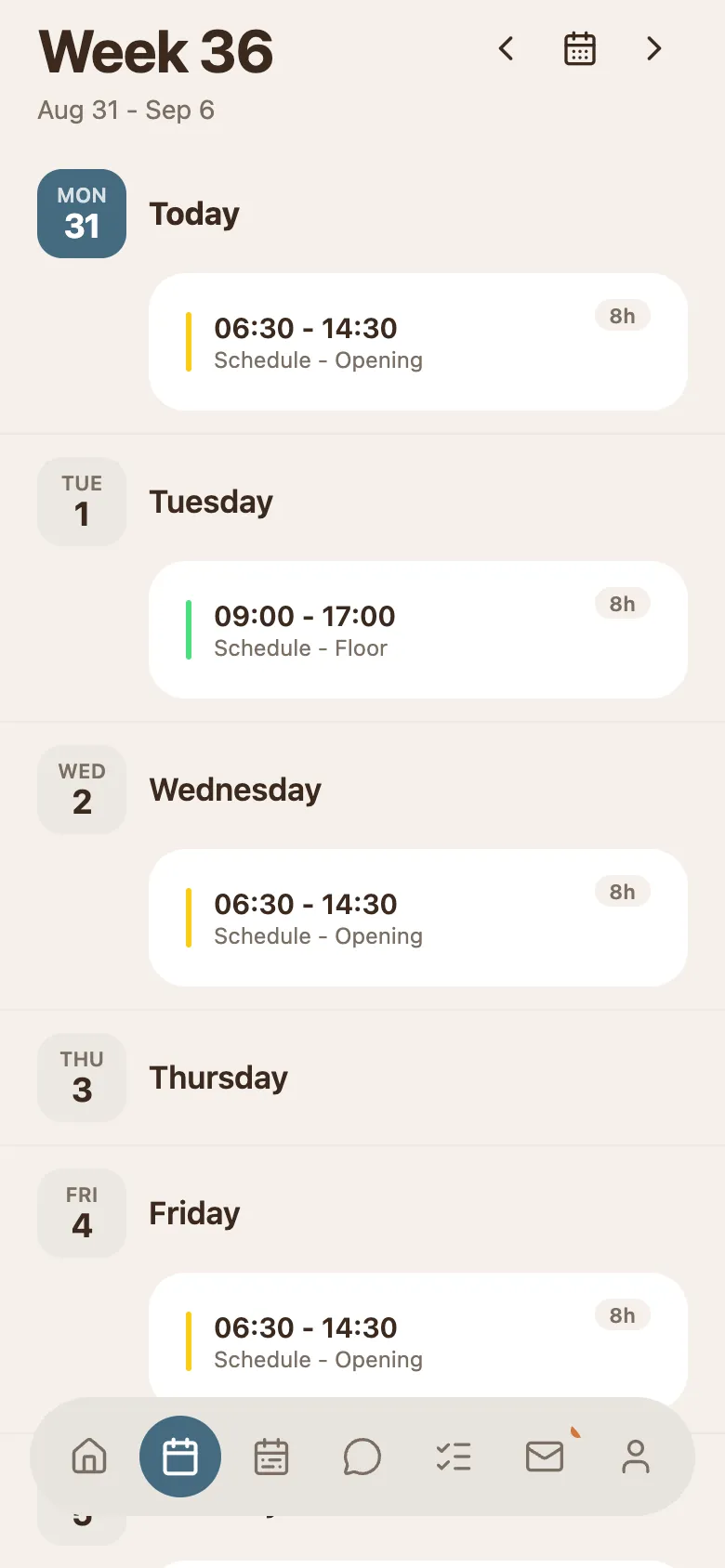
- Swipe sideways, or tap ‹ and › at the top, to reach another week.
- The filled day badge is today, so you always know where in the week you are.